
Other
The Other menu contains specialized effects that don't fit into the standard categories.
HSB/HSL. The effect simulates the conversion of colors from RGB to HSL or HSB space and back.
Input Mode. Select the input color space.
Order. Select the output color space.
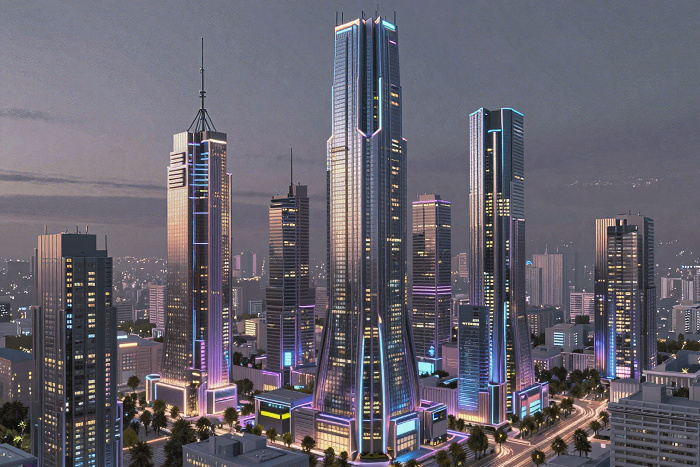
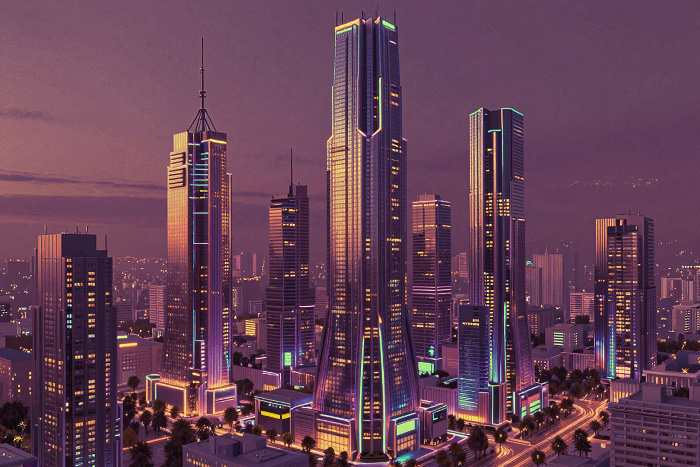
(hover the mouse over the picture to see the original image)
If the Fixed Preview Area check-box is enabled, all changes will be displayed in a small preview area. If the check-box is disabled, the changes will be applied to the area visible in the Image Window.
Click Default to restore the original settings.
Click OK to apply the changes to the image and close the effect dialog box.
Click Cancel to close the dialog box without applying changes.