
The effects in the Stylize menu allow you to imitate different styles on your images.
Diffuse. The effect shuffles adjacent pixels according to the selected mode:
Normal - moves pixels randomly (without taking into account color values);
Darken - replaces light pixels with dark pixels.
Lighten - replaces dark pixels with light pixels.
Random Seed - another pixel distribution option.


Emboss. Simulates the effect of extrusion or stamping. The image is filled with gray, with the edges accentuated by the original colors.
Angle (-180..180). The angle of light incidence.
Height (1-100). The relief depth.
Contrast (1-500). Enhances the contrast of the edges.
Edge Type. In the drop-down list, select the method for filling areas outside the effect:
Mirror - filling with mirrored fragments;
Wrap Around - filling with fragments that are outside the image;
Repeat - filling with repeating edge pixels.


Find Edges. The effect transforms the image by highlighting the edges with darker lines on a white background.
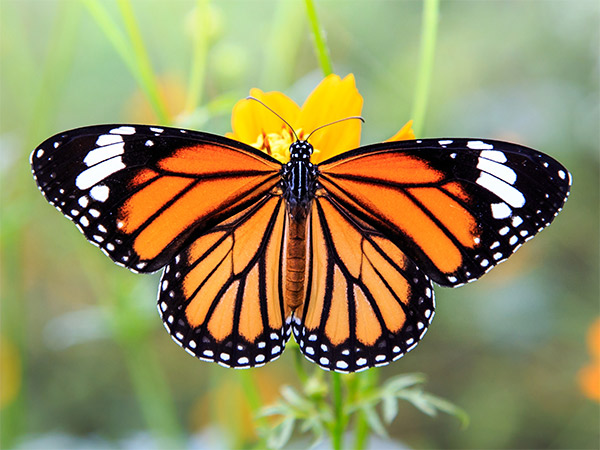
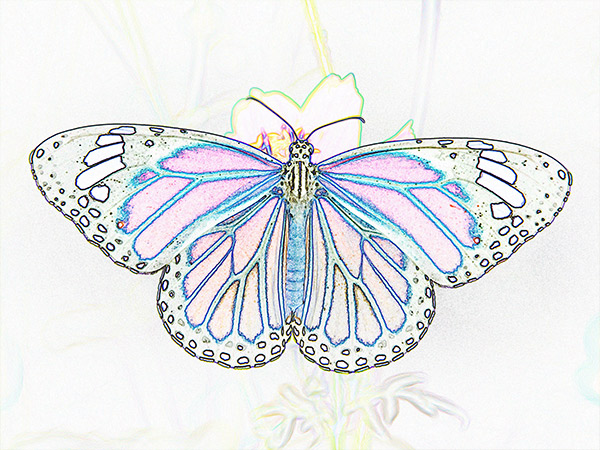
Solarize.The effect combines a negative and a positive image, simulating photographic solarization. Light areas will be inverted (become negative), dark areas will remain unchanged.
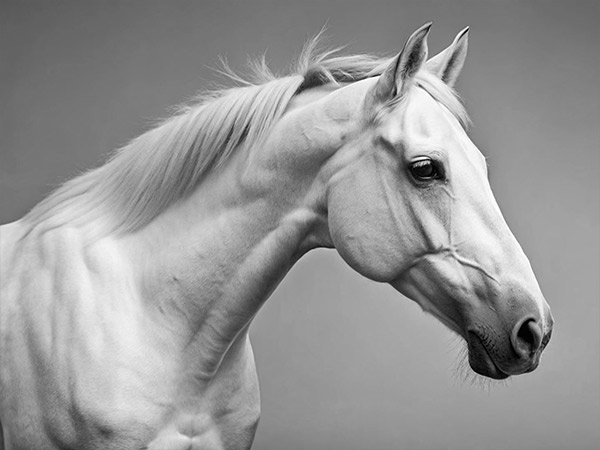
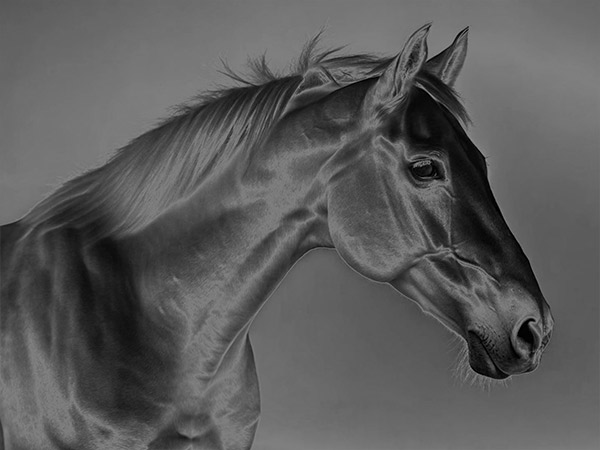
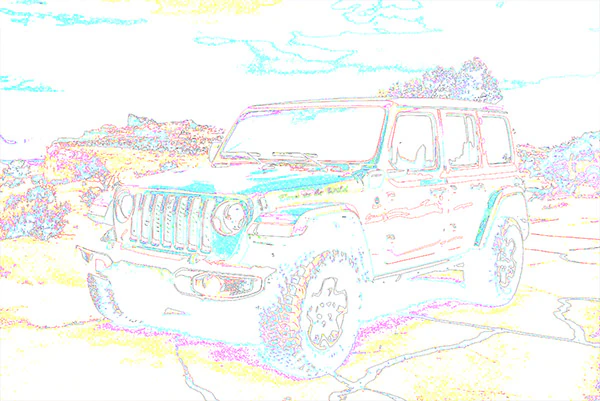
Trace Contour. The effect finds the transitions between areas of equal brightness and outlines them with a thin line in each color channel.
Level (0-255). Tone level for border rendering.
Edge. In the drop-down list, select areas to be outlined:
Lower - outlines areas where the pixel color values below the specified level,
Upper - outlines areas where the pixel color values above the specified level.

If the Fixed Preview Area check-box is enabled, all changes will be displayed in a small preview area. If the check-box is disabled, the changes will be applied to the area visible in the Image Window.
Click Default to restore the original settings.
Click OK to apply the changes to the image and close the effect dialog box.
Click Cancel to close the dialog box without applying changes.