
Installation on Mac

The AliveColors image editing software runs on Windows, Mac, Linux (64-bit). See the supported operating systems and requirements.
Here you will find instructions on how to install AliveColors on Mac.
Attention! You must have administrator rights to install the software.
Follow the instructions:
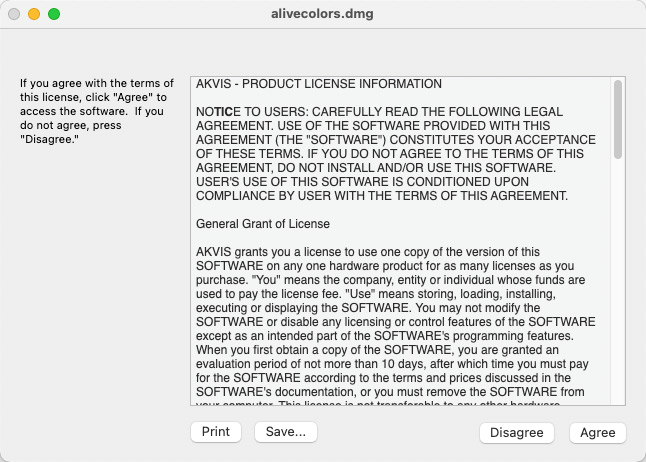
- Open the virtual disk dmg: alivecolors.dmg
- Read the License Agreement and press Agree, if you agree with the conditions.
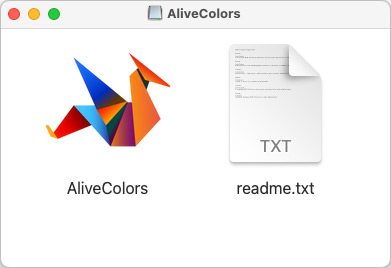
- Finder will open with AliveColors application inside.
- To install AliveColors just drag the application into the Applications folder (or any other place you like).
Run the program by double-clicking on its icon in Finder.