
Utilizzando i comandi del menu Rendering è possibile generare texture.
Nuvole. L'effetto crea una texture di nuvole morbide utilizzando i colori specificati.
Colore 1/Colore 2. Utilizzando le tavolette di colore è possibile impostare il colore delle nuvole e il colore dello sfondo.
Effetti casuali (0-100). Modifica la distribuzione dei pixel.
Nota: L'applicazione di un effetto sostituisce i dati del livello attivo.
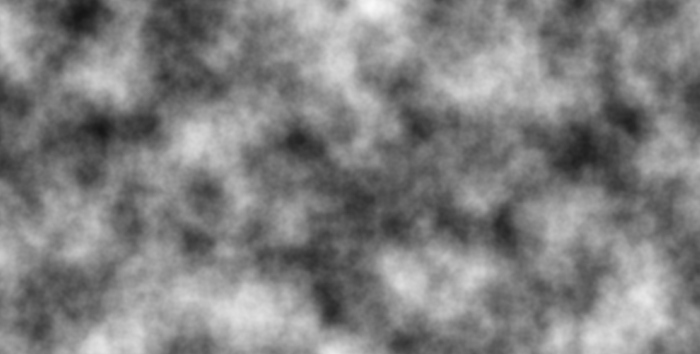 Effetto Nuvole
Anteprima. Se la casella di controllo è selezionata, tutte le modifiche verranno visualizzate in una piccola area indicata dalla linea tratteggiata. Se la casella di controllo è disabilitata, le modifiche verranno applicate all'area visibile nella Finestra immagine.
Fare clic su Predefinito per ripristinare i valori predefiniti.
Fare clic su OK per applicare tutte le modifiche e chiudere la finestra di dialogo.
Fare clic su Annulla per chiudere la finestra di dialogo senza apportare modifiche.