What's New in AliveColors 11
March 25, 2026 — build 11.0.5170
AliveColors 11 introduces a series of major innovations - from AI-powered image generation to smart objects and new effects. The update delivers greater control, flexibility, and performance.
The software now runs faster, smoother, and more stable than ever — and it's free for home users.
Download AliveColors 11. AI creativity awaits you!
What's New in Version 11:
AI Image Generation
Unlock new creative possibilities with the built-in AI Image Generation tool. Create entirely new images or enhance existing ones using simple text prompts.
Apply LoRA models to achieve unique artistic styles, and take advantage of ready-to-use presets to speed up your workflow. Best of all, the feature can run locally - no internet connection required.
Create stunning visuals directly in the program!

Smart Objects
Work non-destructively with the Smart Objects support. Take full control of your projects with non-destructive editing!
A smart object is a container layer that can hold data of various types (raster or vector). Smart objects preserve the original state of an image with all its original characteristics, allowing non-destructive editing.
Easily manage complex compositions, make edits without losing original data, and streamline your creative process!

New Effects
Discover new ways to stylize your images:
Add depth, atmosphere, and unique artistic touches in just a few clicks.

Improvements & Fixes
- Enhanced Layer Effects:
New parameters and options;
Duplicating layer effects. - Enhancements in the operation of tools and filters:
Point Selection AI tool;
Tuning Brush tool;
Find Edges effect;
Enhanced effects application scheme. - New AI Generation group in the New Image presets.
- New Disable External Plugins option in the Preferences — Filters & Plugins for enhanced security.
- Some interface improvements.
- Increased stability and fixed bugs:
- an error of generating a Vector Mask;
- profile data and angle control in Drop Shadow effect;
- a file conversion error causing the program to crash;
- printing problems.
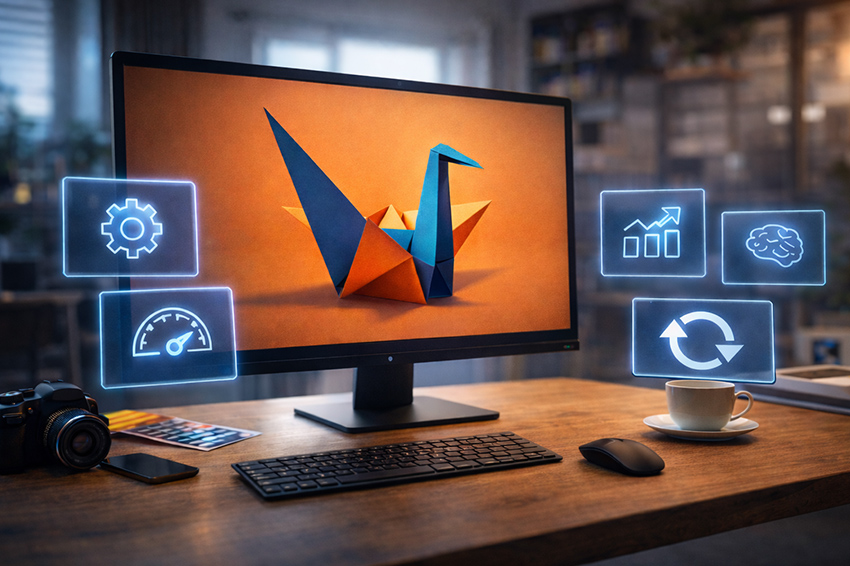
Get Started Today! Download AliveColors 11!
Update to New Version:
AliveColors Free:
- The Free license allows you to use the latest version of the software.
AliveColors Business:
- Customers who purchased AliveColors Business during the last 12 months can update to the new version for free.
- Customers whose license is not valid for the latest version of AliveColors Business can buy updates for
$ 20.
Check if you are eligible for a free update in the Customer Room or contact us at support@akvis.com.